Team Permissions for Shared YouTube Group Workspaces
Groupify Team
Oct 8, 2026
Team Permissions for Shared YouTube Group Workspaces
Shared collections fail for two reasons. The first is technical (no live list — see our share-links guide). The second is social: nobody is sure who may change what. Role design in a channel-collection workspace is therefore less of a settings task and more of a governance task. This guide explains the role model in Groupify and how experienced teams structure it.
The three roles
Groupify groups support three permission levels:
- View-only — see the collection and read it; change nothing.
- Editor — maintain the collection: add and remove channels, rearrange, and keep categories useful.
- Admin — own it: structure (groups, nesting, naming), share link generation, and member role management.
The simplicity is intentional. A channel collection needs fewer overlapping permission states than a document system. What matters is that every person in your workspace can answer one question immediately: may I make this change?
A default structure that ages well
If you're setting up team collection for the first time, this is the arrangement we'd recommend:
- 1-2 admins — the people responsible for the collection as a product. They decide structure and decide disputes.
- A handful of editors — the people who actually know the domain. For a research team, these are the people who read enough of the field to know which channels are worth curating.
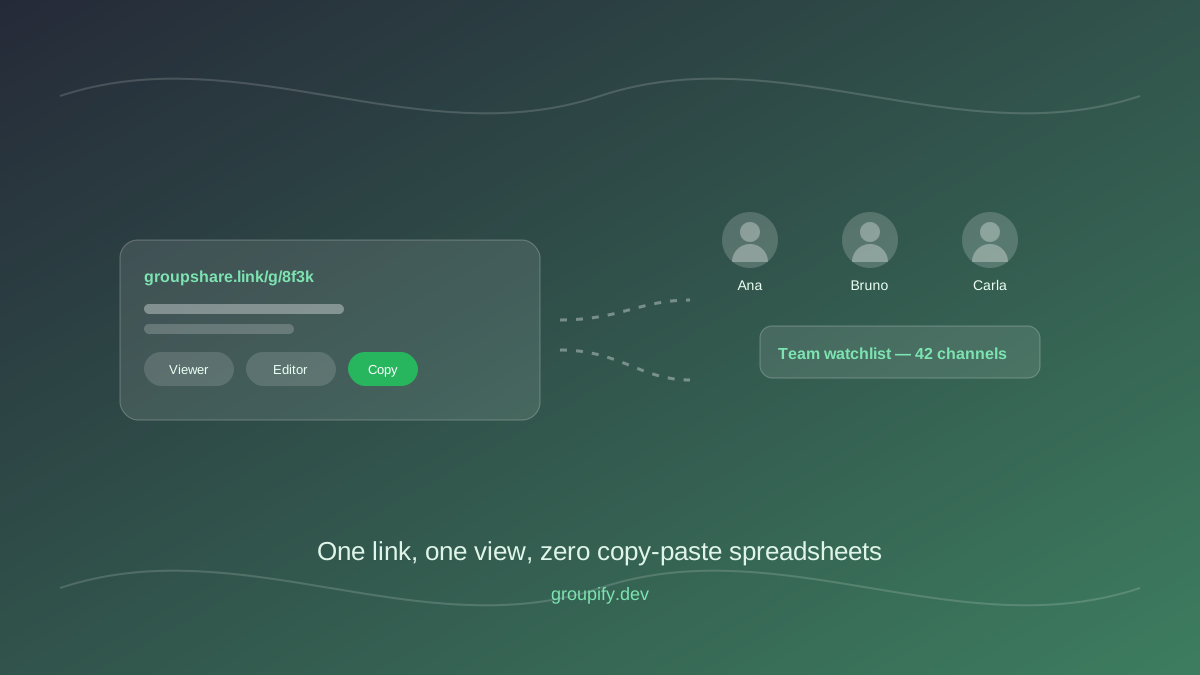
- View-only for everyone else — viewers don't need accounts with edit rights; a share link gives them all they need (plus one less thing to manage when people leave the team).
Resist the pattern "ad edit for everyone, it's easier". Edit rights are exactly as cheap as the cleanup of an accidental restructure. The moment your team grows past a "we all trust each other" startup stage, roles save you from awkward conversations.
Structure teams do well with editing
Roles affect social behavior, so structure matters more than with single-user collections:
- A "proposals" nested group. Editors drop new channels there instead of straight into curated shelves. A recurring check promotes or rejects. This creates a visible queue and prevents "I just added 12 channels" — surprise — moments.
- One owner per shelf. Within the same workspace, an admin can assign a category to the editor who owns it. Two editors don't need to co-maintain one shelf unless they agree to share.
- Structural changes are admin decisions. Splitting a group, renaming it, or changing nesting affects everyone reading the link; keep them deliberate and announced.
The mistakes that turn collections into conflict zones
- The silent reshuffle. An editor restructures a group that many people have bookmarked. Nothing broke technically — but the usage broke. Announce shape changes; keep a changelog nested note in the workspace if necessary.
- The over-admined collection. Everyone with admin rights eventually adds their own "improvements", and the collection loses a unified identity. Admin is the smallest practical group — usually one person plus a backup.
- Role-less collaboration. Some teams share the dashboard login "because it's easier". That erases the audit trail (necessary for real teams) and makes exit-offboarding of a departing member a nightmare. Roles exist exactly to avoid that.
- Curators without authority. An editor who can't decide which channels belong is a symptom of unclear ownership for the scope of the collection. Fix it at the admin level (define what the collection is for), not at the role level.
Handing off cleanly
Teams change — people leave, agencies end client work, communities restructure. The role model is designed to make this boring:
- An admin transfer is one permission change plus an announcement.
- A departing member with editor rights: demote or remove; their additions so far live on in the collection (where they belong).
- If your whole team is moving to a new workspace, export remains the legitimate exit — your data is yours, and shared structure travels with it.
Use these defaults and the permission system disappears into the background — exactly where you want it. Curators get their queue, viewers get their link, and the awkwardness of "who's allowed to touch this?" question never again blocks the actual work.
Written by Groupify Team
Author of Groupify articles. Passionate about YouTube productivity and organization.