Organizing Family-Safe YouTube Channels: Curate What the Household Sees
Groupify Team
Oct 15, 2026
Organizing Family-Safe YouTube Channels: Curate What the Household Sees
If you share a household with children, nieces, or younger siblings, you know the problem: the YouTube home feed is not a surface you'd hand to an eight-year-old. Families end up with two unsatisfying answers — full surveillance, or handing over a tablet with the recommendation feed unresolved and hoping for the best.
There's a third way: build a vetted channel collection and share it as the household watchlist. This is not a parental-control product pitch — it is a curation practice, and Groupify is a good laboratory for it (though a locked-down list in any tool works as well). Here's how it looks in practice.
The three-step build
- Start from the known-good. Channels your household already trusts (a science show for kids, a botanical garden's children's series, art tutorials at the right pace) form the initial group. If you only have five names, that's fine — five is enough for a first list.
- Verify before promotion. Any candidate channel should earn its place: watch two or three recent videos the way a child would watch them (yes, all the way through). Practices to check: the density and style of ads or product plugs; how the creators treat their audience in the comments; and sensational — or aggressive — curiosity gaps ("you won't BELIEVE…") aimed at children.
- Grow by rotation, not streaming. One new channel per week usually keeps the list interesting without overwhelming the vetting effort. Some families rotate "featured channels" so the list feels fresh — snowballing growth is where mistakes come in.
What a vetted channel earns
A channel that earns the family-shelf place is one findable in one place. The real work is keeping the criterion consistent across channels — a set like:
- Content style is steady (the channel stays steady instead of softening into trend-chasing stunts).
- Comments or community features are moderated or disabled (the creator's discipline is family-compatible).
- No aggressive merchandising or "influencer" pressure directed at kids.
- Language and pacing suit your norms (this differs a lot by household — that's fine; it's your list).
Write the criteria down once — even as just a note in the workspace — and vetting a new channel becomes calm and quick rather than judgment-dependent on the weekend that you do it.
Distribution: the live link
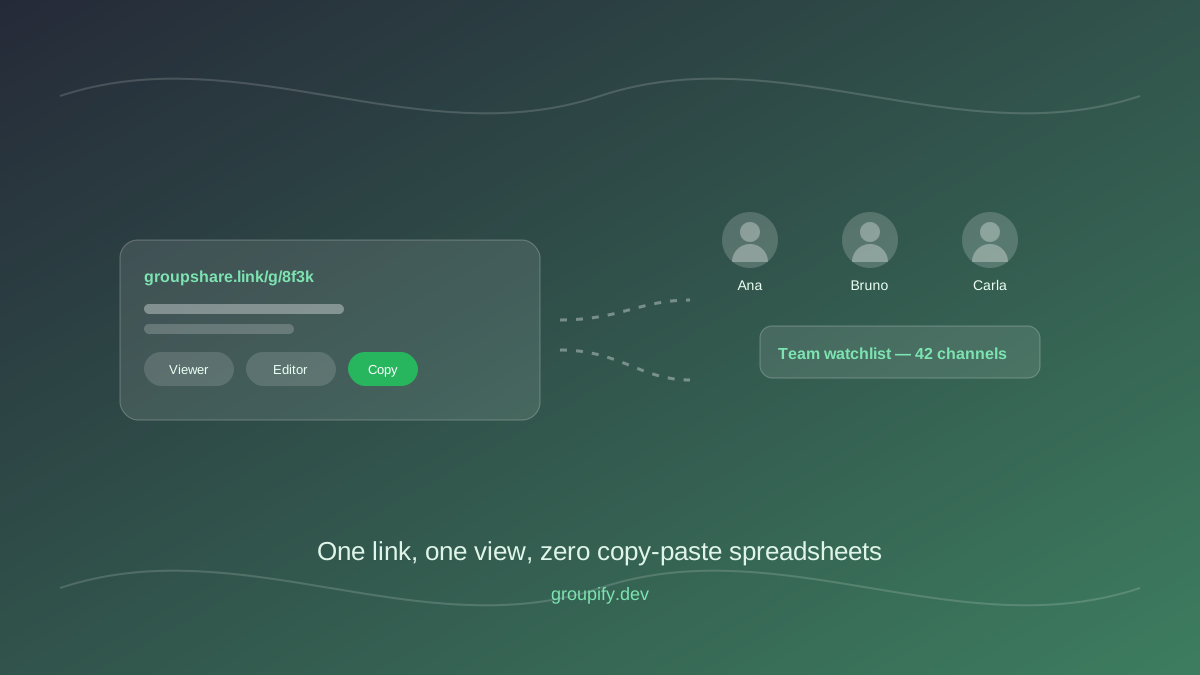
Once your family group exists, turn on sharing and post the link wherever the household decides what to watch. The main rule is a favor to everyone in the house: the link is live, so your vetting work is the list. When the channel is reviewed and kept, it appears; if something gets pulled (a channel's direction changed, a parent with new data), it's gone on the next visit.
Compare this with alternatives that don't sustain:
- A weekly new link: dead ends and recomposition costs each week.
- A PDF/print list: links get typed in manually or worse, get typed wrong.
- "Just search on YouTube": your vetting effort evaporates the moment the child searches outside of your curated set.
The point of the household watchlist is that the vetting work you did once remains the only surface to choose from — and that the actual process of "choose what to watch" is decided upfront by a human you know, not by a recommender you don't.
The conversations that matter
Curated access works best with transparency and independence:
- Involve the kids in curation. Maybe they nominate a channel in the "To review" group and the parent goes through the same verification (recent videos, comments, sponsor content). This turns the vetting list from a rule into a shared practice — and the children's picks are often better vetted once they've seen the process.
- Be honest about what it does and doesn't do. A curated list limits the choice environment — it does not replace conversations about what they see elsewhere. If/when they're on a friend's device or in a new app, the norms are your conversations, not the tool.
- Rotate the role of "curator". For older children this can be an earned role in the collection: they add channels that pass the checks. It's a great media-literacy exercise — they learn "why this one is dead for our shelf" by doing the checks themselves.
A practical starting list
If you want to start from recognized practices: pick 2-3 educational channels in your language (science experiments, worldbuilding explainers, art processes), 2-3 craft/making channels with calm pacing, 2-3 nature channels, and a "To review" group for the ones being tested. Build the initial shelf in an afternoon, replace academically-inclined picks you already know with the vetting process — and post the link at the TV/tablet level.
What this guide does NOT claim
To be clear about scope: Groupify is a channel organizer and sharing tool, not a parental-control suite. We don't block, filter, or monitor; the household vets and owns the list. If you need profiles, time limits, or content filtering tied to age, use platforms' native supervision features alongside a curated shelf, not instead of any tooling that can be honest about its place in the toolbox.
The value is real anyway: a vetted, live, list-based collection changes the default from "handing them an unfiltered feed" to "handing them something you personally verified" — with the tooling to maintain it in minutes a week.
Written by Groupify Team
Author of Groupify articles. Passionate about YouTube productivity and organization.