A Content Creator's Curating Workflow With Groupify
Groupify Team
Oct 23, 2026
A Content Creator's Curating Workflow With Groupify
If you publish on YouTube, your subscriptions page is not just entertainment — it's your competitive and creative field. It is where trends in your niche surface first, where collaboration candidates appear, and where "what everybody has already covered" becomes visible. Most creators leave that field unorganized and pay for it weekly: the same research questions get re-answered by opening 15 tabs, successful series formats are half-remembered, and collab candidates live in scattered notes.
This is a workflow piece aimed at creators. The point is a practical, recurring system — not a tool tour. That said, it describes how Groupify is used by creators who adopt it — so we use that vocabulary.
The four groups creators settle on
Different creators tune this differently, but the stable core is almost always:
- "Formats — my niche" — channels that do the type of content you do. This is your reference group: what formats work, what lengths, what titles, what thumbnails. When you plan your next video, this group is a reference library — not a mood board.
- "Adjacent niches" — channels in fields that overlap yours (your craft's neighbors, tools' ecosystems). Trends tend to arrive in adjacent niches about a season before they show up in yours. Watch them with intent.
- "Collab candidates" — creators of a similar size (or a complementary audience) you could do something with. Note the size matching: a collab that makes sense is usually peer-level or one notch up.
- "To review" — the extension's capture ground. Anything new goes here first, gets promoted or dismissed weekly. This protects the three real groups from clutter.
Naming is significant here. These groups work because each one maps to a task you actually perform: planning formats, spotting trends, scouting collaborations, processing discoveries. A group that maps to no task is decoration.
The weekly 20-minute review
Once per week, open the dashboard and do four passes — the order matters little:
- Format observations (10 min). Skim recent uploads from "Formats — my niche". Note formats that visibly work. One sentence per observation; this becomes raw material for your own planning.
- Adjacent drift (3 min). Check what "Adjacent niches" have been uploading lately. If a topic is surfacing in two different adjacent fields, it's probably headed for yours.
- Collab pulse (3 min). In "Collab candidates", note who is active, who's growing, who posted something relevant. Reach out only when the timing is real — a collab offer right after someone's successful series has a better use/reception chance.
- Process "To review" (4 min). Promote channels, delete them, or add a note. Done. Zero guilt about whatever failed to be promoted.
Twenty minutes weekly is a small price to have your niche in your pocket — always structured, always recent.
The browser extension is the capture layer
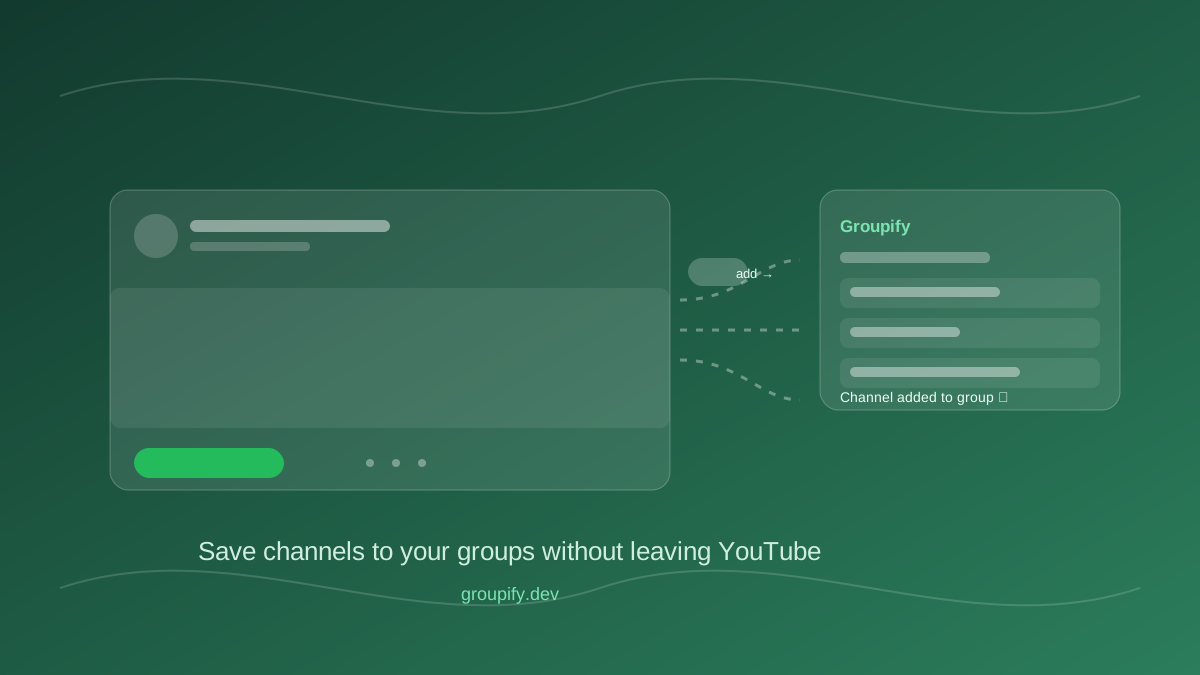
The obvious integration: when you are browsing YouTube and a channel catches your eye — a tutorial channel that explains your tool better than expected, a mid-size creator with a similar audience — click one button and it's in "To review". The saving costs nothing; the decision costs a review later. This is the pattern we wrote about in the extension guide, and it is the strongest fit for creators, because creators browse their niche professionally and capture constantly.
What this buys you in practice
- Faster video research. No re-opening of 15 tabs. The niche accumulates in your group and you open it instead of searching.
- Cleaner competitive intelligence. Format trends and adjacent-niche drift are tracked in one place with structure, not in a "later" folder.
- Higher-quality collabs. Watching a candidate's trajectory for a month beats a "sure, collab?" decision based on one video.
- Less noise, more signal. The group for organizing your field is separated from personal entertainment — so on a research working morning you don't accidentally get pulled into a six-hour gaming-video detour. (Unless that's your niche — in which case, that stays your job.)
If you've got a public/community dimension
Some creators do not only watch their niche — they publish a curated channel list to their community ("channels I recommend for learning this craft"). That is a natural fit for Groupify's share links: curate it with a group, publish a link, your community sees the live list. This grows your position as the curator — the more members trust that list, the better it works (and the conversations it starts are good for you too).
An honest non-promise
We are not going to claim Groupify will make you a better researcher-counting-tools creator by itself. The system above is a habits claim: capture fast, review weekly, keep plans structured. Tools reduce friction — the weekly 20 minutes is yours to own. That said, you are the exact type of user the product is designed for, and if the shape of your workflow is correct, the tooling gets out of the way.
If you haven't yet, do the quick setup from "Getting Started With Groupify" — four groups, 10 channels — and let the weekly review do the rest.
Written by Groupify Team
Author of Groupify articles. Passionate about YouTube productivity and organization.